Realistic AI Video Generator
Realistic AI Video Generator
Get smoother, more believable motion from a clear source photo with Nuderr AI's tuned video templates. Choose a scenario instead of writing a prompt, then receive the finished clip privately in Telegram — most generations take 30–60 seconds.
- Template-Based Motion
- Believable Motion
- No Prompts
- Private Bot Chat
- 18+ Only
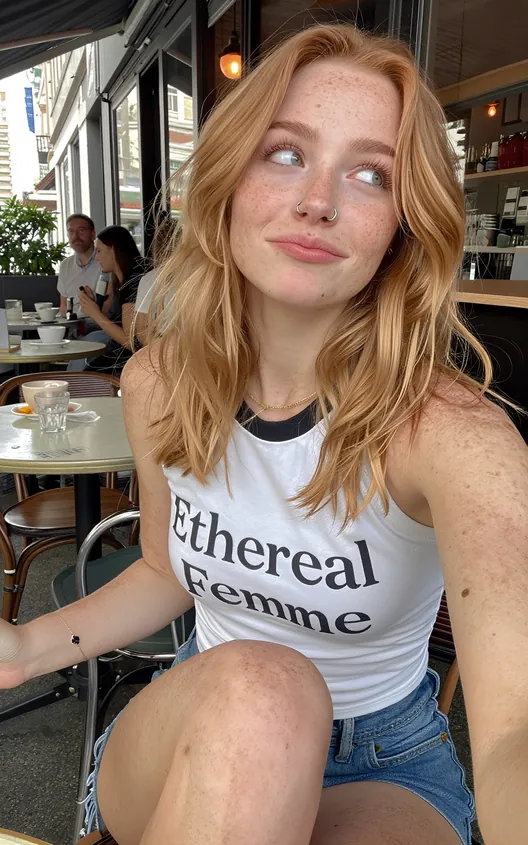 Before
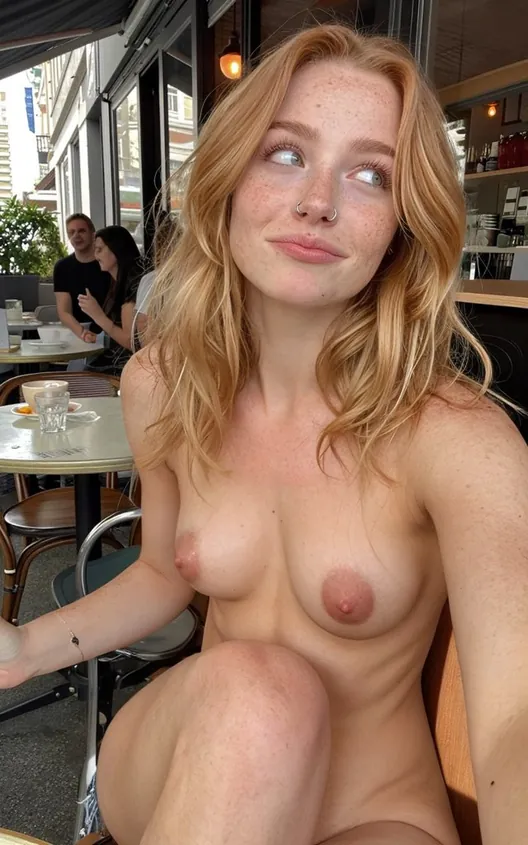 After
After
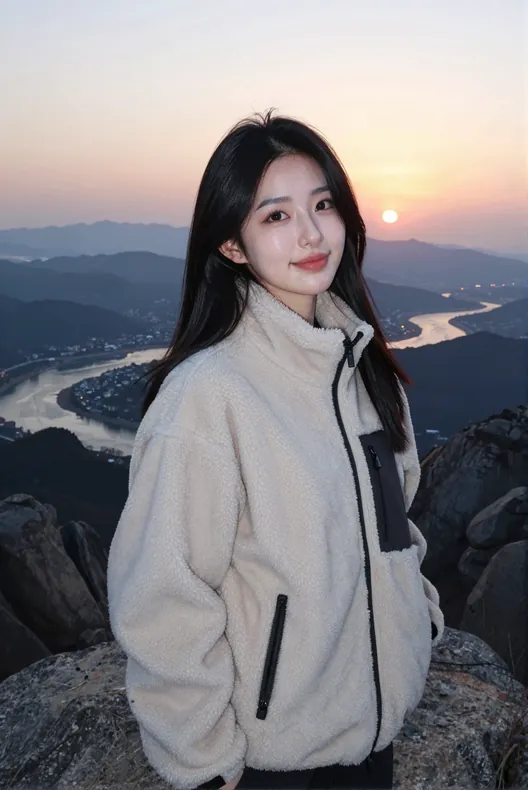 Before
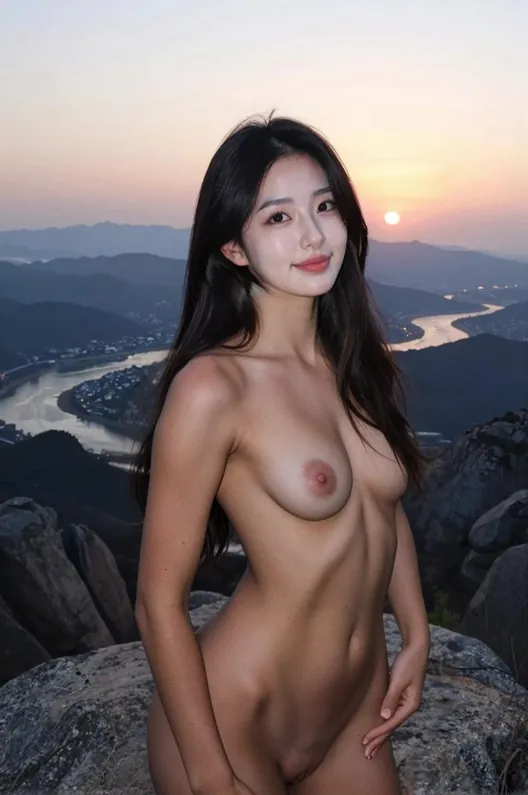 After
After
What Makes AI Video Look Real
Believable AI video depends on motion stability: facial features, body proportions, lighting, and the background should change coherently across frames. Warping, drifting features, and sudden jumps make synthetic motion obvious.
Nuderr AI uses pre-built templates instead of free-text prompts. That makes the intended movement easier to repeat, but it does not guarantee an identical or flawless clip every time. You upload one photo, choose a template, and the model generates a new result.
As with photo generation, the source image matters — a sharp, well-lit photo of one subject gives the model the most to work with. Adults 18+ only, consent required.
Readers looking for "girl undress video" can use this guidance only for consenting adults 18+; the generated image is synthetic and must not be published or presented as real.
Signals of a realistic AI clip
- Motion stays locked to the subject, no warping frame
- Face and body proportions hold through the clip
- Lighting and skin stay consistent frame to frame
- Movement paced naturally, not sped up or stuttering
How the Realistic Motion Is Built
-
Start with a clean photo
Open @photochangerr_bot, confirm 18+ and consent, and upload one sharp, well-lit image. Better input means more believable output.
-
Pick a tuned template
Choose a ready-made scenario. Each is pre-tuned for realistic motion, so you skip prompt trial-and-error.
-
The model animates the frame
Nuderr AI generates motion anchored to your subject, keeping proportions and lighting stable across the clip.
-
Review it privately
The finished clip arrives in your Telegram DM. Nothing is posted publicly, and you can delete it anytime.
Quality Comes From Tuned Templates
Free-text prompts add another variable to AI video generation. Nuderr AI uses tuned templates instead, so you choose the intended movement without learning prompt syntax. The source photo still has a major effect on the result.
Realism still depends on your source photo. A clear, evenly lit image of one person gives the cleanest motion; a dark, filtered, or group shot limits what any model can do.
Clean Sources, Believable Motion
The most realistic clips start from clear source photos like these before motion is applied.
Before
After
Before
After
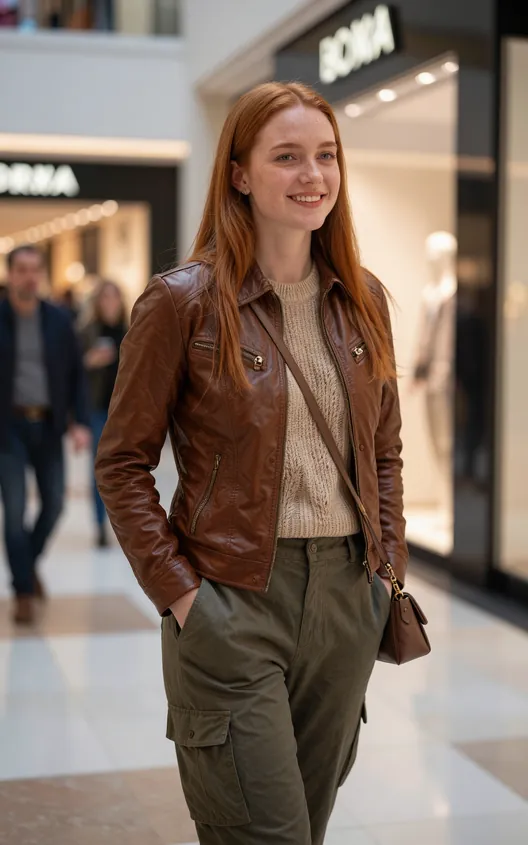 Before
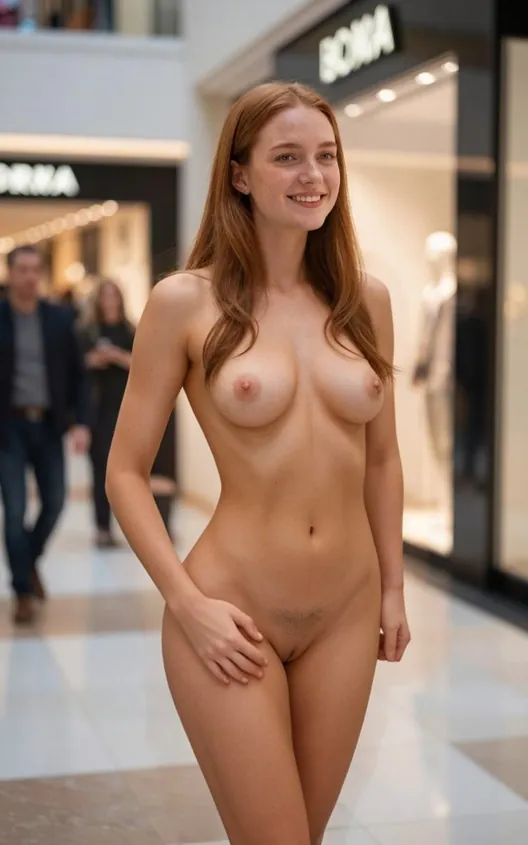 After
After
Realistic and Still Private
High realism does not mean giving up privacy. The upload, template pick, and finished video stay in your private Telegram chat. Nuderr AI keeps no public gallery and does not use uploads for public training sets.
Your Telegram account is the login — no email or website wallet — and you delete messages whenever you want. Adults 18+ only, with consent required for every photo.
FAQ
What makes Nuderr AI video realistic?
The motion stays anchored to the person in your photo — proportions, face, and lighting stay stable across the clip instead of warping. Each template is pre-tuned for believable movement rather than fast slideshow effects.
Do I need to write prompts for realistic results?
No. Realism is built into the templates. You pick a ready-made scenario and the model applies tuned motion — there is no prompt engineering to learn.
What source photo gives the most realistic video?
A sharp, evenly lit photo of one clearly visible subject. Dark images, heavy filters, screenshots, or group shots reduce realism for any AI model, so use the original file when you can.
Is the realistic video kept private?
Yes. The clip is delivered only to your private Telegram chat with the bot. There is no public gallery, uploads are not used for public training, and you can delete the messages anytime.
How do I try it?
Open @photochangerr_bot, confirm you are 18+ with consent, and use your 3 free generations. Upload a clear photo and pick a template to judge the realism yourself.
Related articles
Generate Realistic AI Video in Telegram
Open Nuderr AI, upload a clear photo, pick a tuned template, and see believable motion in your DM.
Open Nuderr AI- Template-Based Motion
- Believable Motion
- Private Bot Chat
- 18+ Only