Photo tips for better results
- Visible body with clear pose
- Even, natural lighting
- Single face clearly visible
- High-quality source photo
Better AI Undresser Results
Get a better AI undresser result by uploading one clearly visible consenting adult, using even natural light, keeping the pose unobstructed, and sending the highest-quality original file. Nuderr AI includes instructions when you upload, then an AI checks the delivered result; if it finds a rare anomaly, the spent tokens or free generation are returned.
Use the original file rather than a screenshot; keep one face in frame; choose a pose where the face and body are visible; replace harsh or uneven light with soft, even illumination. These four changes improve the information available to the model before generation begins.
Next, remove obstructions such as hands, dark glasses, hats, and foreground objects; crop unrelated people and interface elements; avoid beauty filters that erase natural texture; and preserve the source aspect instead of stretching it. These fixes reduce ambiguity around identity, anatomy, and boundaries.
After a result, name the weakest area and modify only the source condition most likely to affect it. If the face drifts, use a clearer portrait; if shadows conflict, change lighting; if edges break, reduce overlap. Blindly resending the same image is not a controlled test. Only use authorized images of consenting adults 18+.
Readers looking for "photorealistic" can use this guidance only for consenting adults 18+; the generated image is synthetic and must not be published or presented as real.
Decide whether the issue is identity
Connect face drift to visibility
Replace or edit only the source condition you are testing.
Review the new result beside the first one and keep the change only if it helped.
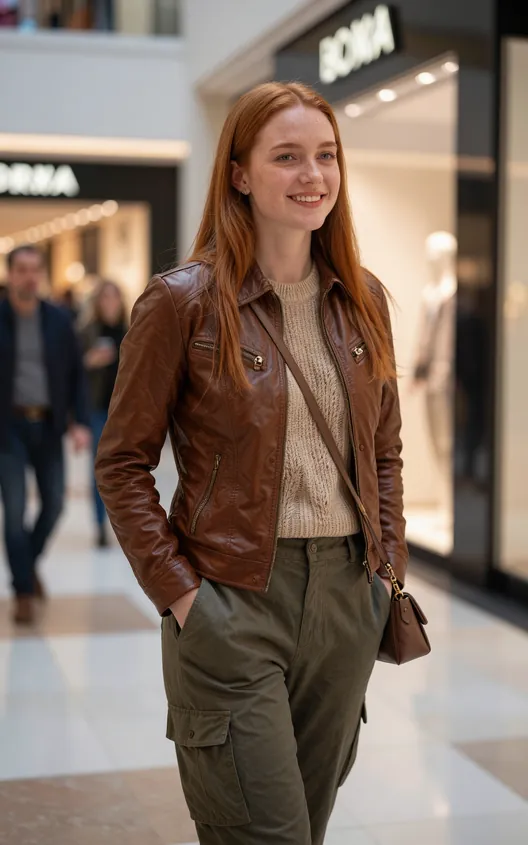 Before
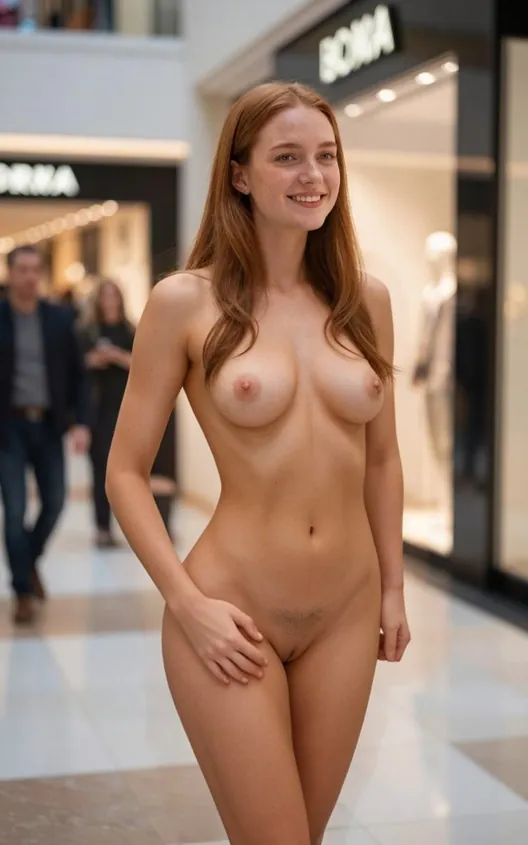 After
After
Better resolution helps compression and texture but not a hidden pose. Better light helps shadow logic but not a second face in frame. A cleaner crop helps boundaries but not a heavily filtered identity. Specific diagnosis saves generations.
Begin with your strongest eligible original, use the second attempt for one correction, and reserve the third for a different suitable source. This produces more evidence than spending all three on an unchanged weak image.
Replace a weak source with a sharp original showing one visible adult in even light. Source quality affects several artifact types at once.
Only if you are intentionally testing generation variance. To fix a known problem
Common causes include a small or obscured face
They help when the original contains real detail. Enlarging an already compressed or obstructed source cannot restore exact missing information.
Every person must be 18+ and explicitly agree to the edit
Prepare one clear authorized adult photo, compare each controlled change privately, and use the result only for personal entertainment.
Open Nuderr AI